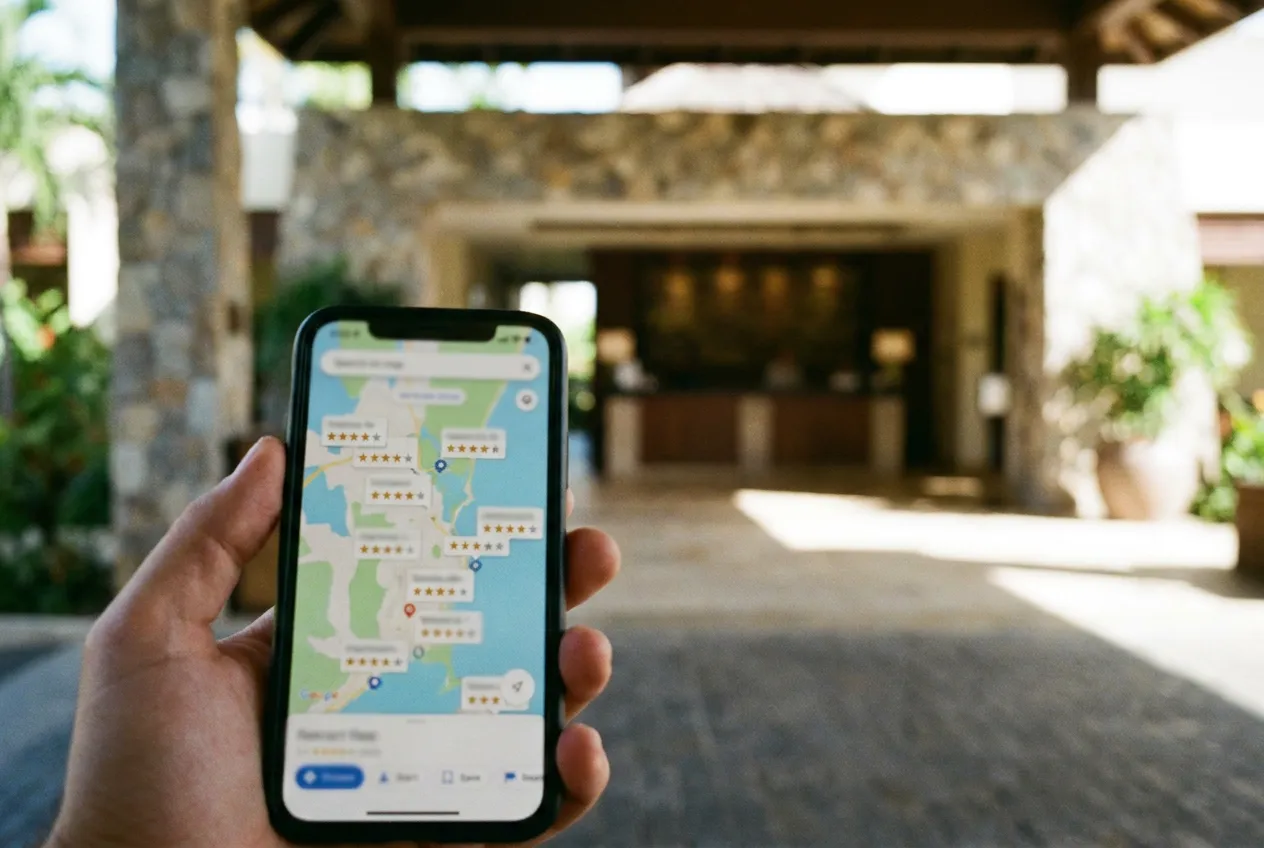
For many travelers, your Google Business Profile is the first thing they see about your hotel: the photos, the rating, the map pin and the booking link. A complete, accurate profile can bring more calls, direction requests and direct reservations, and it costs nothing but time.
This checklist covers the profile elements that matter most for hotels and resorts. For an independent-hotel focused version, see our companion article on optimizing an independent hotel's Google Business Profile. This guide adds a section by section checklist that works for resorts and larger properties as well.
Claim, Verify and Choose the Right Categories
Search for your property, claim the listing and complete verification so you control the information. Choose the primary category that best describes you, such as Hotel, Resort or Bed and breakfast, then add secondary categories that are true, such as Spa, Event venue or Wedding venue. Do not add categories that do not apply.
Keep Name, Address and Phone Perfectly Consistent
Use your real business name without keywords added. Make sure the address, phone number and website match your site and other listings exactly. Inconsistent details confuse search engines and guests. Our guide to local citation building explains how to clean up other directories.
Write a Clear Business Description
Use the description to explain what makes the property distinct in plain language: location, signature experiences, who you are best for and what is nearby. Write for guests, include a natural mention of your destination and property type, and avoid promotional claims you cannot support. Keep it within the character limit and update it when offerings change.
Complete Attributes, Amenities and Hotel Details
Hotels have special fields: star class where applicable, check-in and check-out times, and amenities such as pool, Wi-Fi, parking, pet policy, accessibility features and breakfast. Complete every field that applies. These details power filters, so incomplete profiles can be left out when guests narrow their search.
Upload Photos and Video That Show the Real Property
- Add a clear cover photo and logo.
- Show exterior, lobby, room types, bathrooms, dining, pool, spa and views.
- Add photos of food, events and the neighborhood where relevant.
- Refresh seasonally and replace outdated images.
- Use short videos to show arrival and amenities.
Guests also upload photos, so make sure yours set the standard.
Not sure where your hotel stands?
Get Your Free Hotel Marketing Audit
We review your search visibility, website conversion, OTA dependence and reviews, then send a personalized report with next steps.
Get Your Free Hotel Marketing AuditConnect Your Booking Link and Offers
Make sure the website link goes to a page that helps a guest book, and check that your booking links and any hotel price features point to your direct channel. Test them on mobile. Use posts and offers to highlight packages, events and seasonal stays, and keep them current.
Manage Reviews Consistently
Reviews affect both visibility and decisions. Ask guests after checkout, make it simple with a direct link, and respond to every review within a few days. For positive reviews, thank the guest and mention a specific detail. For negative reviews, acknowledge the issue, stay calm, offer to continue offline and note what you are changing. Do not offer incentives in exchange for reviews or post fake ones, which violates platform policies.
Use Questions and Answers and Messaging Wisely
Monitor questions guests ask on your profile and respond with accurate answers. If many guests ask the same thing, add the answer to your website too, such as parking, pet fees or check-in time. If messaging is enabled, answer quickly or turn it off.
Track Performance and Maintain the Profile
Review profile views, searches, website clicks, direction requests and calls each month. Add tracking parameters to your website link so you can see profile traffic in analytics and identify bookings that start there. Update holiday hours and temporary changes promptly, and check regularly for edits suggested by others.
Local profile work is one part of a broader plan. Read our hotel SEO guide or learn about hotel SEO services if you want expert help.
Frequently Asked Questions
What is a Google Business Profile for a hotel?
It is the free listing that appears in Google Search and Maps with your hotel's name, photos, rating, amenities, contact details and website. Hotels also have specific fields such as check-in times and amenities.
How often should I update my hotel's Google profile?
Check it at least monthly for reviews, questions and accuracy, and update photos and offers seasonally. Update hours and policy changes immediately.
Can I include keywords in my business name?
No. Use your real business name as it appears in real life. Adding keywords can violate guidelines and risk suspension. Use the description, categories and photos to communicate what you offer.
Do Google reviews help hotel rankings?
Review quantity, quality, recency and your responses are considered important for local visibility and strongly influence guests deciding where to stay.
Ready for a clear plan?
Get Your Free Hotel Marketing Audit
We review your search visibility, website conversion, OTA dependence and reviews, then send a personalized report with next steps.
Get Your Free Hotel Marketing AuditKeep Learning
Want to see how your property ranks against local competitors?
Request your free hotel audit. We review your search visibility, website conversion, OTA dependence and reviews, and send a personalized report within 24 business hours.
Ready to Put These Strategies to Work?
Let's build a custom digital marketing strategy tailored to your property and goals.